# Part 5: Presentations
# Introduction
For the culmination of your efforts in parts 1 through 4, each group will present their comprehensive project work. This is an opportunity to showcase your development process, decision-making, and the final visual prototype.
Presentation Duration: Maximum of 5 minutes per group.
Technical Preparation: Ensure compatibility with HDMI input for the presentation. A USBC to HDMI adapter will be available; however, bring any additional adapters necessary for your device.
# Presentation Requirements
To successfully complete this phase, your group must:
- Engage in the Presentation: Failure to present will result in an automatic score of 0 for Part 6.
- Highlight Progress: Showcase your project's evolution from the initial concept to the final design.
- Rationalize Design Choices: Discuss the rationale behind key decisions throughout the design process.
- Demonstrate the Visual Prototype: Provide a live demo of your interactive prototype within Figma.
- Reflect: Share insights on what aspects of the project you would approach differently in retrospect.
# Presentation Layout
# Title Slide
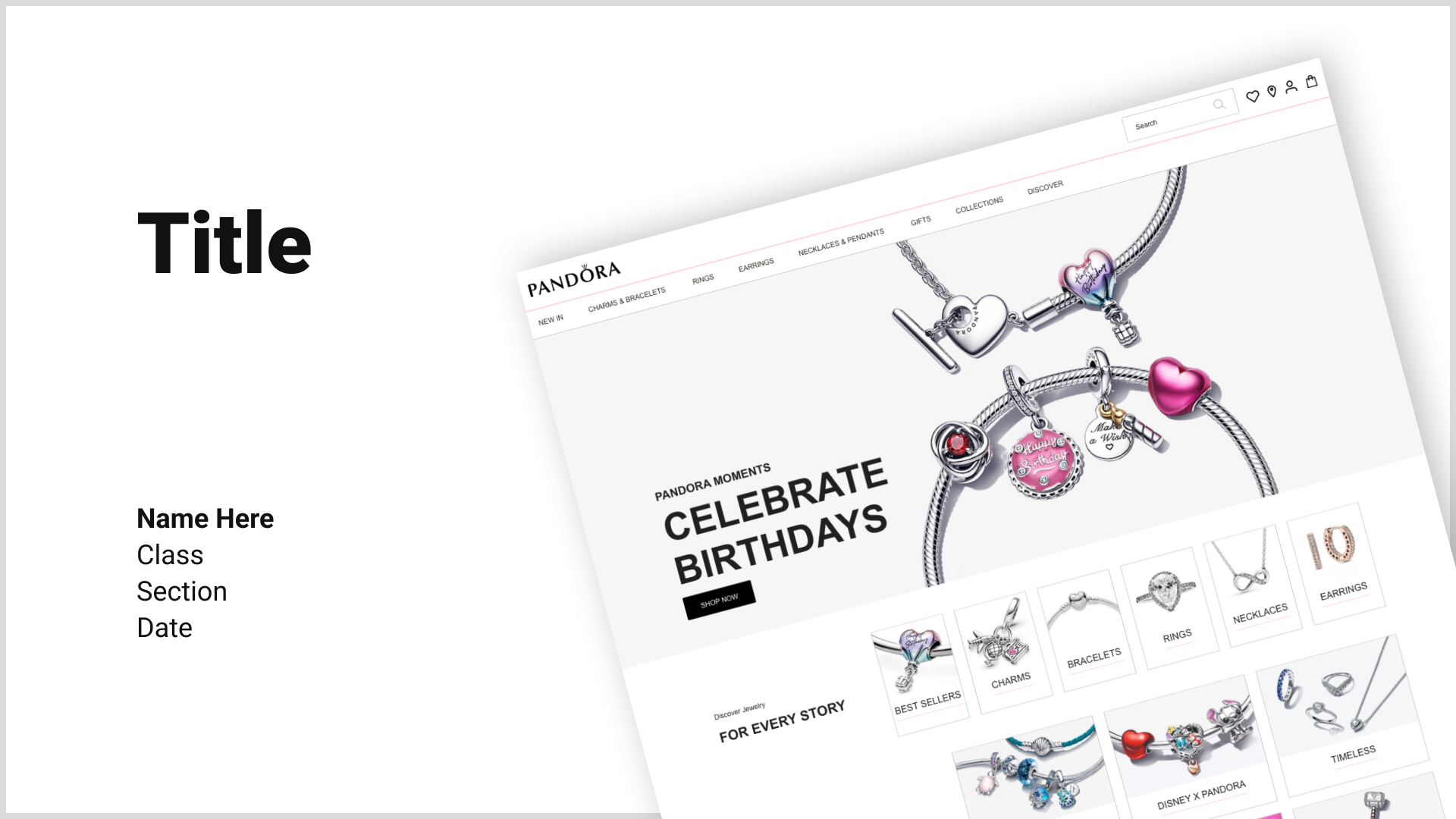
- Start with a compelling title slide that includes your website’s name and team members.
# Introduction
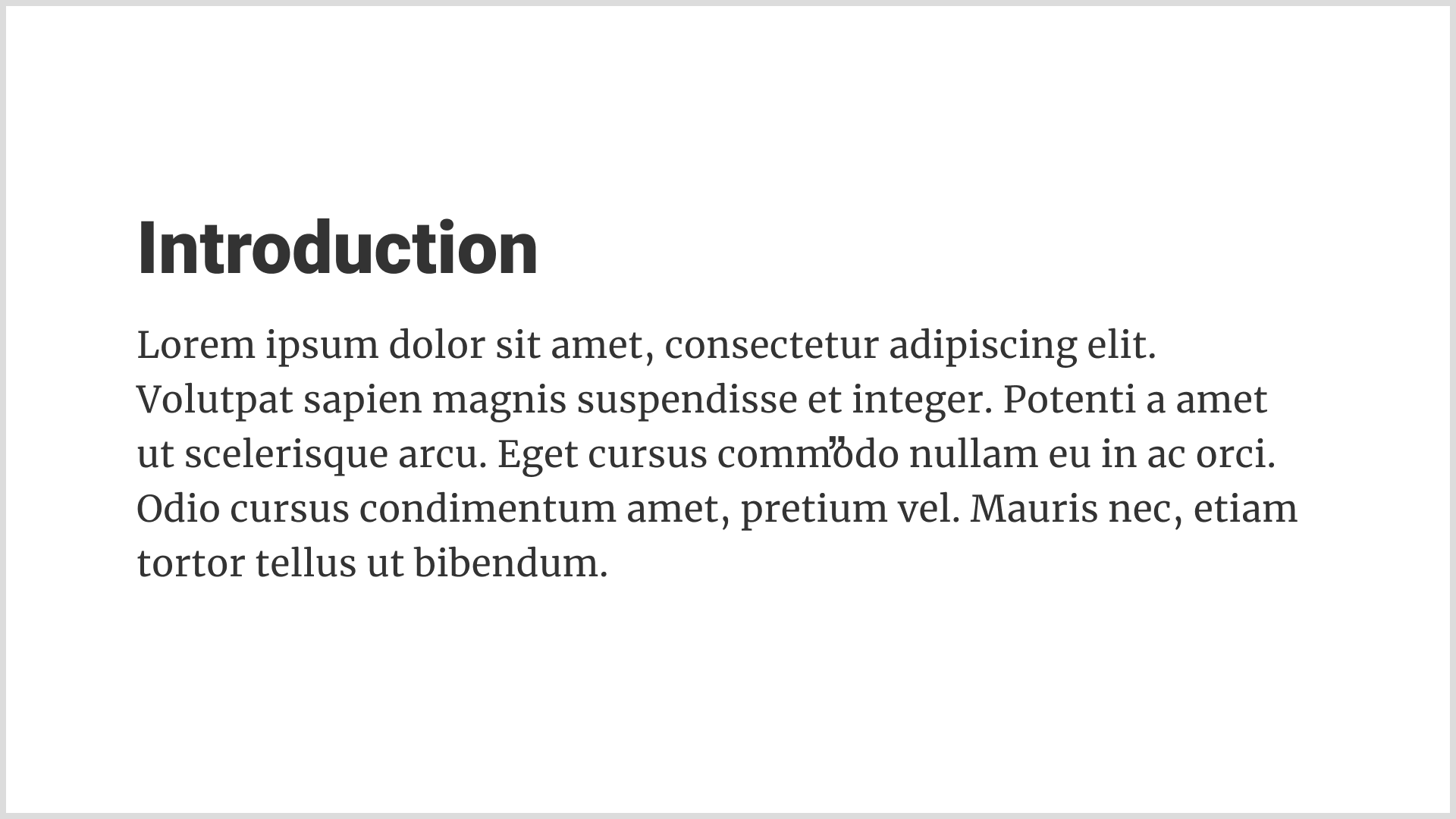
- Offer a succinct overview of your websites' purpose and target audience.
# Design System
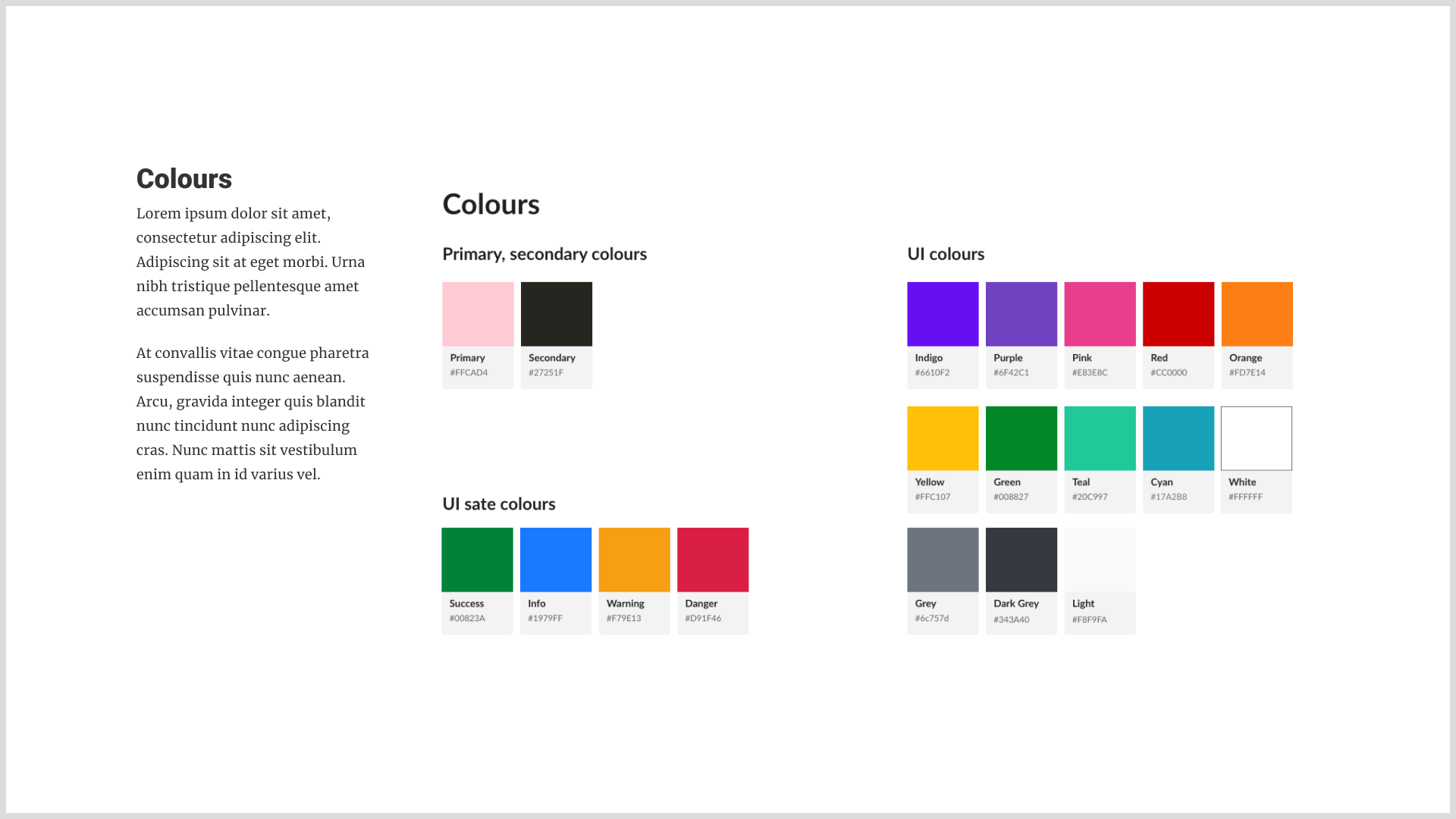
- Present slides showing your design system, including style guides, components, and usage guidelines.

# Screens Comparison
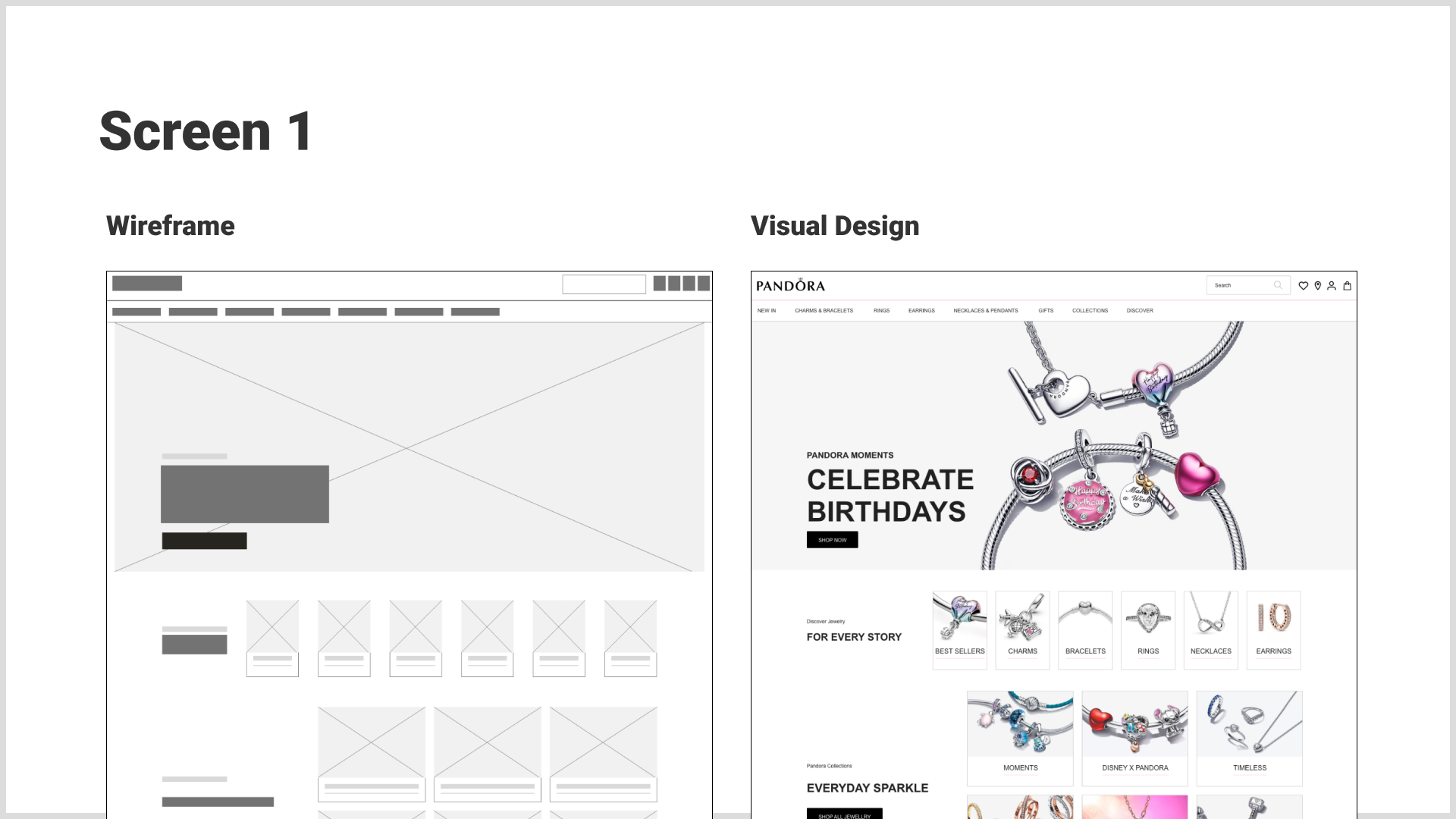
- For 4 screens (Home, and one per group member), provide slides comparing low-fidelity wireframes and final visual designs side-by-side to illustrate progression.

# Prototype Demo
- Transition from your slide presentation to a live demo of your Figma prototype. Craft a narrative that smoothly connects the transitions between screens for a cohesive story.

# Demo Tips:
- Storytelling: Enhance your demo with a scenario or user story that guides the audience through the prototype, showcasing key features and interactions.
# Evaluation Criteria
# Presentation Engagement and Structure
- [ ] The group engaged actively in the presentation process.
- [ ] The presentation includes a title slide with the app's name and team members.
- [ ] An introduction slide succinctly outlines the website's purpose and target audience.
- [ ] The presentation is within the 5-minute time limit.
# Content and Design Evolution
- [ ] The presentation effectively highlights the project's progress from initial concept to final design.
- [ ] Rational explanations are provided for key design decisions throughout the project.
- [ ] A high-level overview of the design system is presented, including style guides, components, and usage guidelines.
- [ ] For 4 screens (Home, and one per group member), slides comparing low-fidelity wireframes and final visual designs are provided.
# Prototype Demonstration
- [ ] A live demo of the interactive prototype within Figma is included in the presentation.
- [ ] The demo transitions smoothly between screens, telling a cohesive story or user scenario.
- [ ] The presentation demonstrates the prototype’s key features and interactions effectively.
# Reflection and Insights
- [ ] The presentation includes reflections on aspects of the project the team would approach differently in hindsight.
# Submission Requirements Met
- [ ] The Figma project link is provided.
- [ ] The Figma Deck link is provided.
- [ ] The chosen theme of the app is clearly described.
- [ ] Names of all group members are included in the submission.
# Submission Process
Share your high-fidelity wireframes by providing the Figma project link in the submission comment section. Additionally, include:
- The link to your Figma project.
- The chosen theme of your website.
- Names of all group members.
- The Figma Deck link
Since your professor was granted access during Part 1, there's no need for a new invitation.